
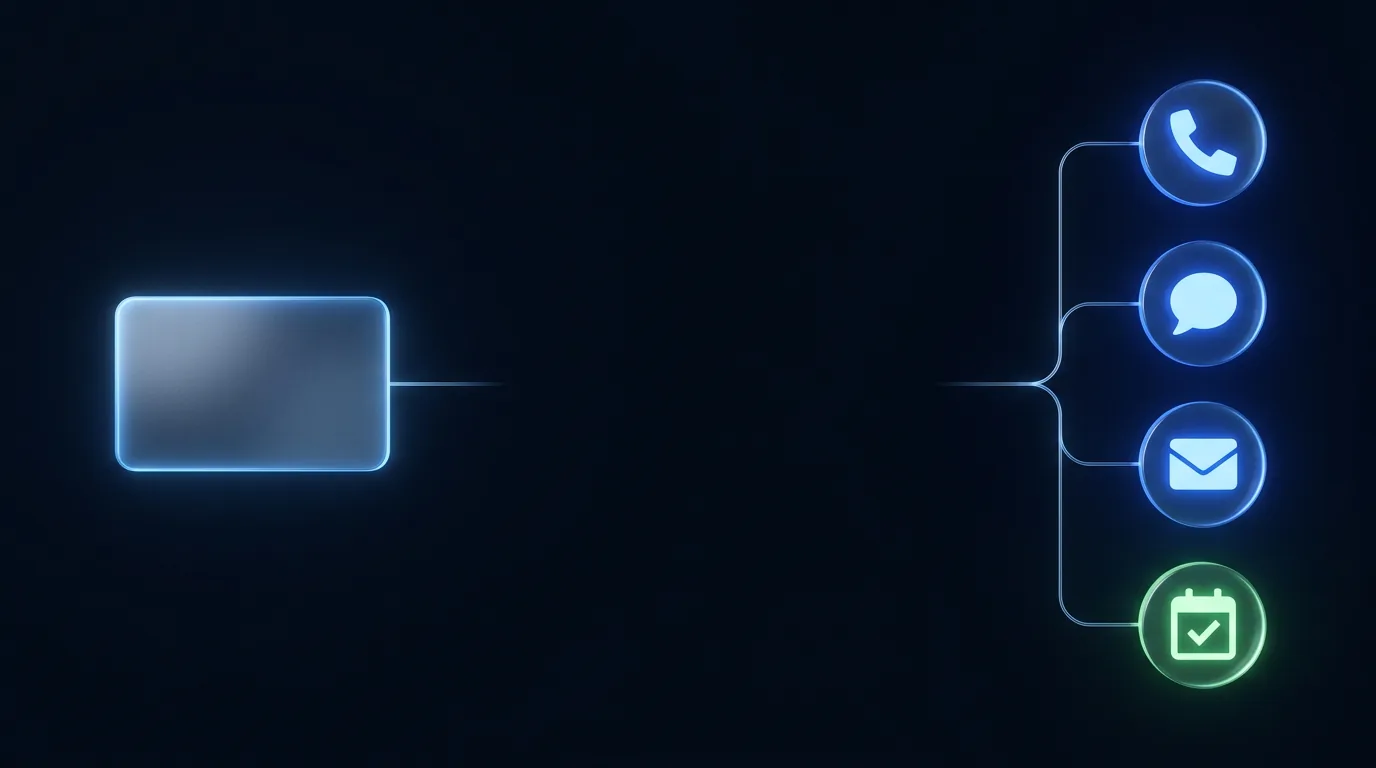
CRM sync
CRM sync and outcome tracking for every lead
AfterLead does the follow-up; your CRM keeps the record. Every call, text, and email, every status change, and every final outcome lands on the lead record in the system your team already works in. No new dashboard to live in, no second source of truth.
What does AfterLead write to my CRM?
Everything that happens to a lead. Every touch across phone, text, and email, in both directions. Every status change as the lead moves from new to qualified to booked. Every flag, including human takeover alerts. And every end state: booked and showed, rebooked and showed, handed to a human, disqualified, opted out, or unrecoverable. Each lead carries a full conversation timeline, so anyone on your team can open a record and see the whole story.
The full conversation timeline
Open a lead and read it like a story: the form fill at 7:42pm, the text and email at 7:42, the call, the questions they asked, the time they booked, the reminder, the reschedule.
Calls are logged with a full record, threads are captured, and nothing lives only in an inbox or a transcript nobody can find. When a client, a rep, or an owner asks “what happened with this lead?”, the answer is one click, not a meeting.
It is also how you audit the AI. Every conversation it had with your leads, on every channel, is on the lead record, calls included, with a full record of each call.
Sounds like a human, works like an AI. Read the record and judge the conversations yourself, instead of taking our word for how they sound.
See What Your Leads Would ExperienceLead record activity
Illustrative timeline
7:42 PM
Lead created
Web form, source and campaign attached.
7:42 PM
First touch, in seconds
Text, email, and an AI phone call, in parallel.
7:44 PM
Lead calls back, AI answers live
Three questions answered, all logged with the call record.
7:46 PM
Booked for Thursday, 9:00 AM
Confirmation, calendar invite, and meeting instructions sent.
Wed 9:00 AM
Reminder sent, 24h before
Second reminder fires 1h before the start time.
Thu 9:00 AM
Outcome: booked and showed
End state written to the lead record, tied back to the source.
Every row above is written by AfterLead as it happens. Nobody on your team types a note to keep the record current.
Outcomes you can steer by
Every lead is tracked to an end state, tied to its source. That turns your CRM into an answer machine for the questions that actually matter.
Questions your CRM can finally answer
- Which campaigns produce booked appointments, not just form fills
- How many no-shows got recovered and rebooked
- Which leads got disqualified, and why
- Where human takeovers happen, and on which questions
- What a booked appointment actually costs you by source
Cost per booked appointment becomes a number you can pull, and “the leads were bad” becomes a claim you can check. The source stays attached from the first touch, including leads that arrive straight from Meta lead ads and Google Ads lead forms.
Every lead ends somewhere
No lead quietly evaporates. These are the end states, and each one is written to the record with the reason.
- Booked and showed
- Rebooked and showed
- Handed to a human
- Disqualified
- Opted out
- Unrecoverable after capped reattempts
A no-show is not the end of the story either: a rebook re-fires the full confirmation, calendar invite, meeting instructions, and reminder track for the new time, and the record shows both attempts.
Your CRM stays the system of record
This page is the behavior: what gets written, and where. For the list of tools we connect to, see the integrations catalog.
One source of truth, and it is yours
AfterLead writes to your CRM. It does not replace it, mirror it into a rival database, or ask your team to work anywhere new.
Mapped to your pipeline
Statuses and stages map to the pipeline you already run, configured with you during white-glove setup.
Takeover flags land on the record
When a lead needs a person, the flag hits the CRM at the same moment the SMS and email alert hits your team.
Disqualified and opted out are final
Disqualifications are logged with the outcome and outreach stops. Opt-outs are recorded the moment they happen.
Wired for you, not left to you
Supported CRMs only, connected during install: live in about 1 to 2 weeks with around 3 hours of your time.
Flags, in context
Takeover flags, disqualification reasons, and qualification signals all land on the same record. The full flow is on the human takeover page and the qualification page.
Supported CRMs only. We confirm your exact stack on the demo call rather than promising an integration sight unseen, then wire and test the sync during install. See how the whole system works for the rest of the install path.
What lands in your CRM, answered plainly.
What gets written, who can read it, and how the sync gets built.
See It in ActionOur guarantee
More booked calls than your current process, or your money back.
No. The design goal is the opposite: your CRM stays the system of record, and your team keeps working exactly where they already work. AfterLead's job is to make the records in there complete for the first time.
The full set: booked and showed, rebooked and showed after a no-show recovery, handed off to a human, disqualified (with no further outreach), opted out, and unrecoverable after capped reattempts. Every lead ends somewhere on that list, and the CRM shows which.
Yes. Every lead carries a full conversation timeline across phone, text, and email, and calls are kept with a full record. Nothing the system says to your leads is hidden from you.
The integrations page lists the CRMs and calendars we work with. Sync is set up for you during white-glove onboarding, supported CRMs only, and we confirm your exact stack on the demo call rather than promising integrations sight unseen.
White-glove, as part of install. We map your pipeline stages, statuses, and booking flow with you, wire the sync, and test it before launch. Typical install is live in about 1 to 2 weeks with around 3 hours of your time.
Yes. Because every lead is tracked to an end state by source, booked appointments roll up by campaign, form, and channel. You judge spend on appointments held, not leads generated, which is the number worth scaling.
See it land in a CRM record
Submit the form, get the follow-up, and picture every touch you just received logged on one timeline. AfterLead texts, emails, and calls you in 8 seconds.
- Opt out anytime
- We never sell your number or share it for marketing
- A real conversation, not a sales call
See AfterLead work a lead for your business.
Enter your details and our AI demo agent calls you in seconds. Have it role-play a live lead for your business, or walk you through the fit and book a full demo.